> ## Documentation Index
> Fetch the complete documentation index at: https://docs.snagsolutions.io/llms.txt
> Use this file to discover all available pages before exploring further.
# Connect Tiktok
> TikTok connection loyalty rule. Reward users for linking their TikTok account.
## **Overview**
This loyalty rule allows admins to reward users for connecting their Tiktok accounts to the platform. This rule encourages users to link their accounts, enabling better community engagement and cross-platform interaction.
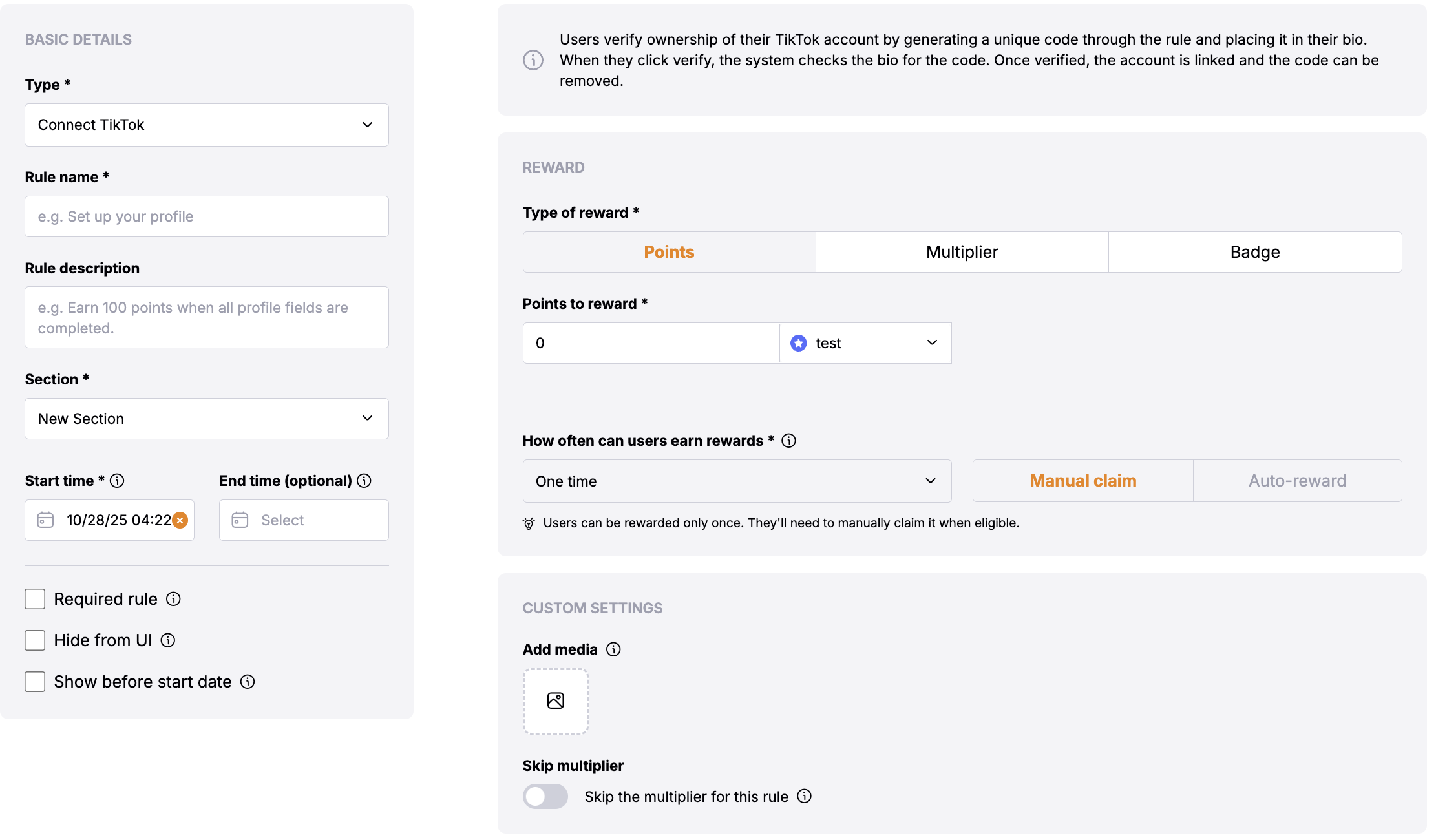
## **Rule Configuration Fields**
### **Reward**
* **Type of Reward**: Choose between "Points" or "Multiplier".
* **Points**: Users will get the defined no of points.
* **Multiplier**: Users will get the multiplier of the defined amount.
### **Basic Settings**
* **Update Cadence**: The Connect Tiktok rule rewards users **immediately** upon successful connection of their Tiktok account.
* **User Reward Frequency**: This is a one-time reward that users can claim after linking their accounts, helping to build a connected community across platforms.
### **Custom Settings**
* Skip the multiplier for this rule
## **Verification Process**
Users verify ownership of their TikTok account through a bio verification process:
The system generates a unique verification code for the user when they initiate the connection process.
Users must add this verification code to their TikTok profile bio to prove
account ownership.
When users click "Verify", the system checks their TikTok bio for the
verification code.
Once verified, the account is successfully linked and users can remove the verification code from their bio.