
Payment methods & billing info
All subscription and usage payments, payment methods and billing details are handled securely through Stripe.
Payment Methods
You can manage your payment methods through Stripe. In the Manage Plan tab, select Manage Payment Methods to open the Stripe customer portal.
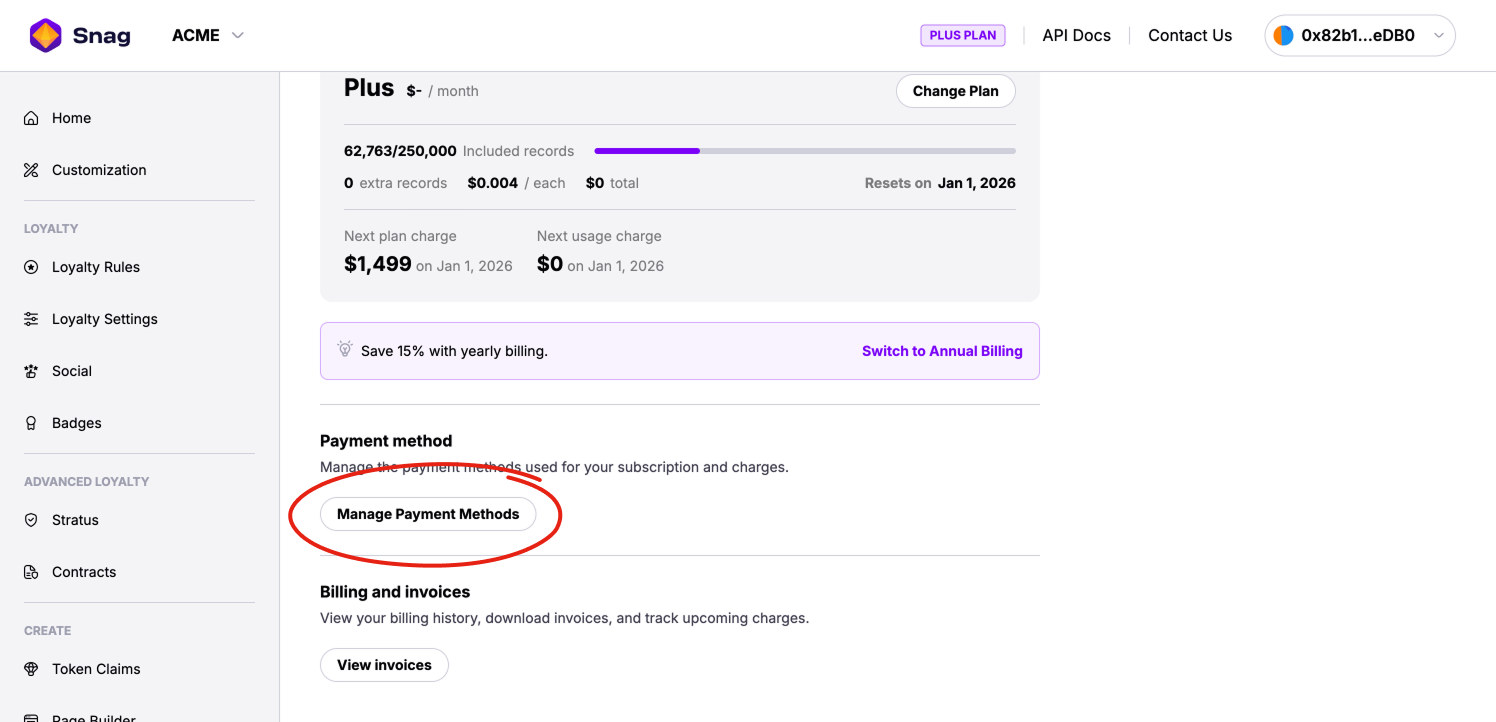
In the Stripe portal you can:
- Add or remove payment methods
- Set your default payment method
- Update your billing address and contact details
Any changes you make in Stripe sync automatically with Snag.
Accepted Payment Methods
Stripe supports the following payment methods (availability may vary by region):
- Credit and debit cards (Visa, Mastercard, American Express, Discover)
- Apple Pay
- Google Pay
Billing and Invoices
You can view your billing history and download invoices through Stripe. In the Manage Plan tab, select Manage Payment Methods to open the Stripe customer portal.
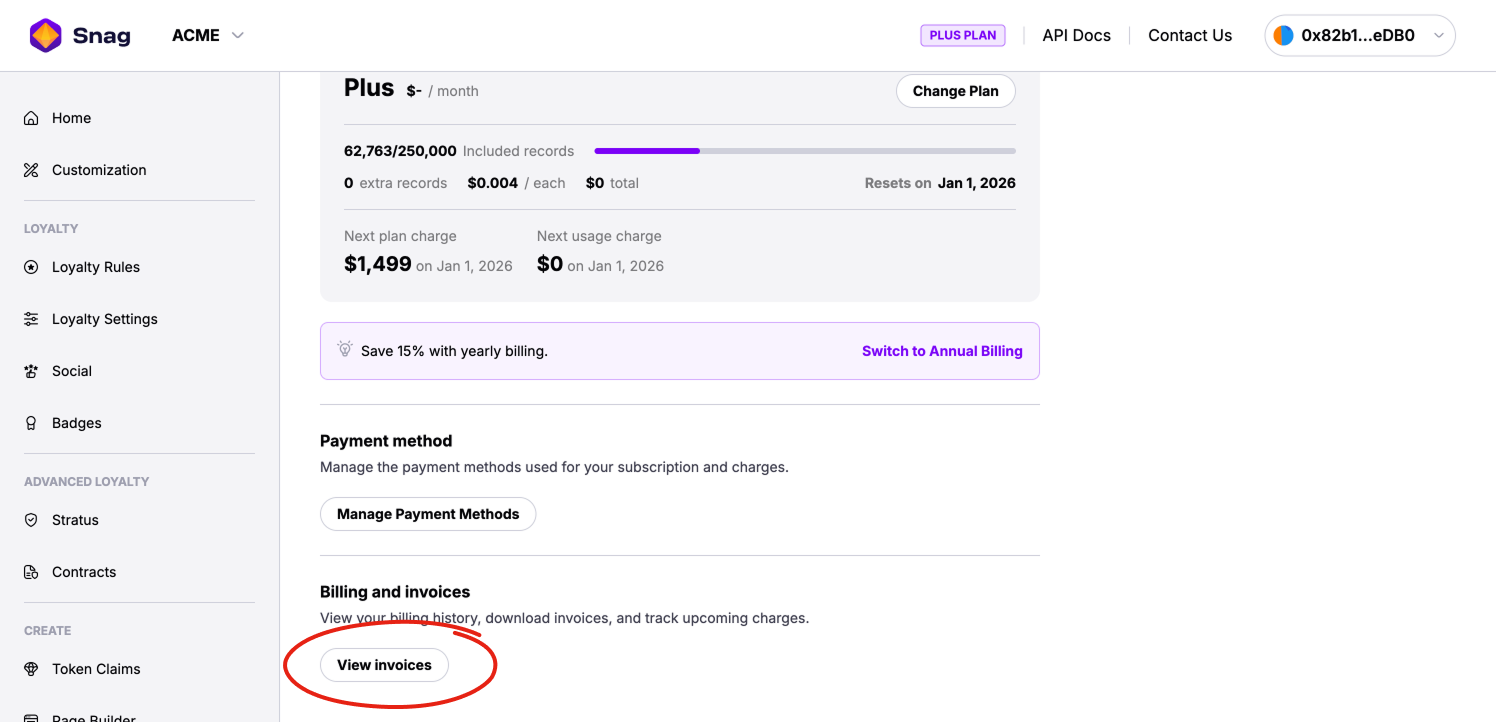
In the Stripe portal you can:
- View all past subscription and usage invoices
- See upcoming or pending charges
- Download invoice PDFs and receipts
- Review detailed line items for each billing cycle
Invoices are generated automatically at the end of each billing cycle or when an upgrade charge is created.
An email is automatically sent to your billing email address each time a new invoice is generated.